01
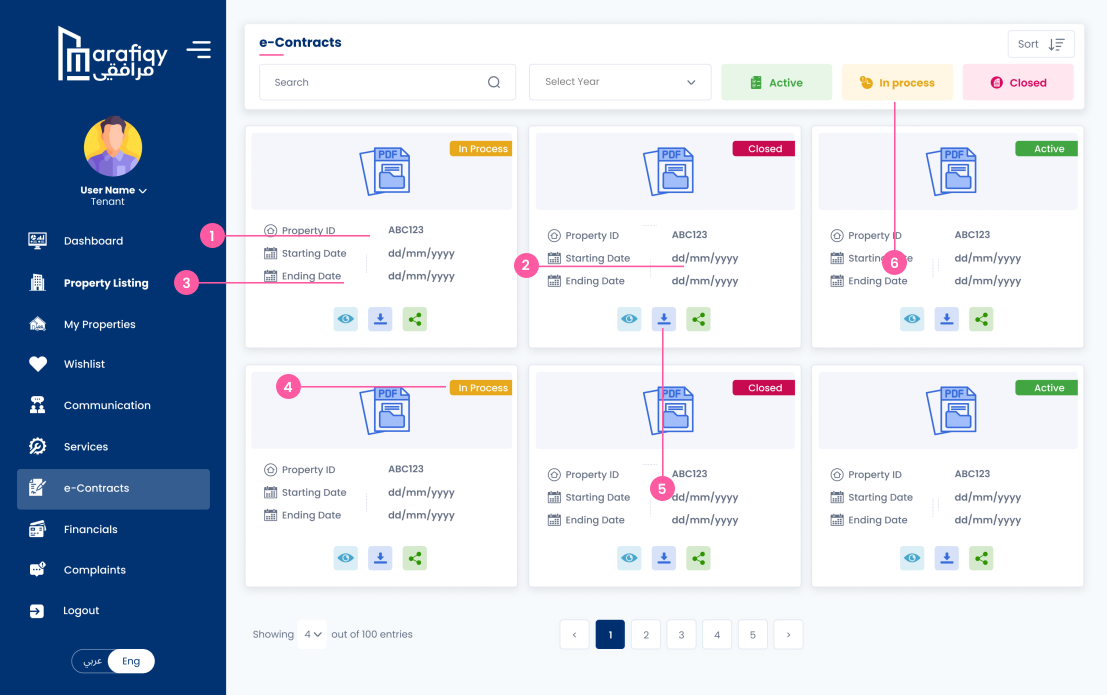
Property ID
User can view the unique property ID associated with the e-contract.
Follow the steps below to complete this action inside Marafiqy.
User can view the unique property ID associated with the e-contract.
User can view the starting date of the contract.
User can view the ending date of the contract.
User can view the status of the contract (Active, In Process, Closed).
User can take actions such as downloading the contract as a PDF, viewing the contract details, or sharing the contract via link.
User can filter the e-contracts based on status (Active, In Process, Closed).
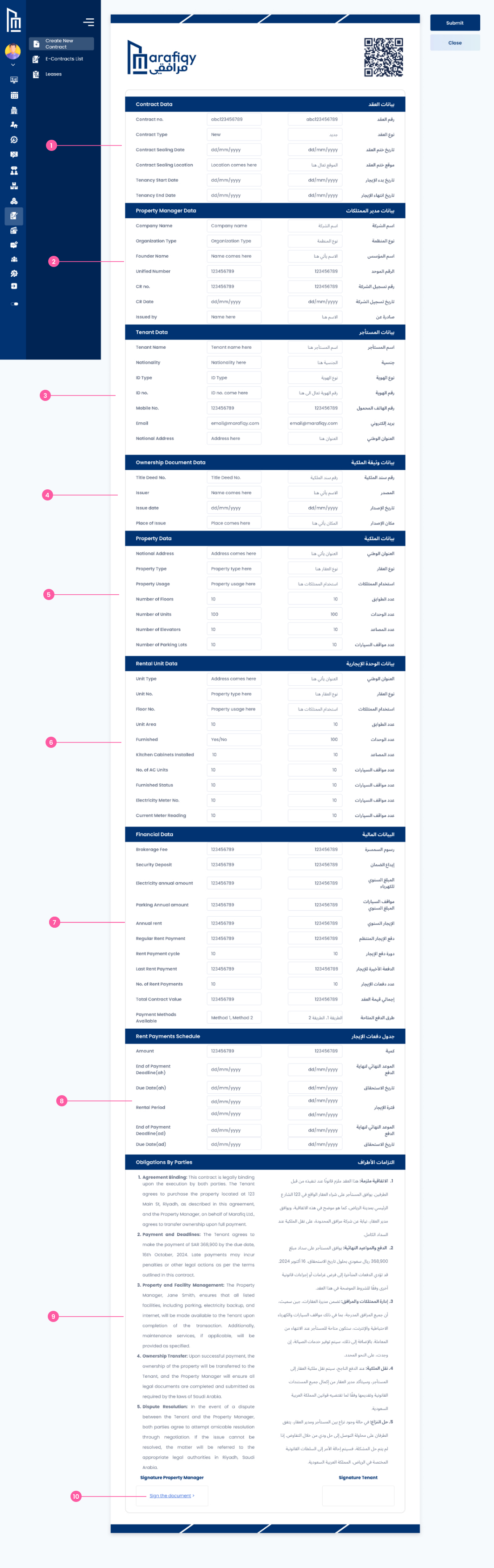
User can view contract number, type, sending date, and associated details.
Displays the company name, managers name, and other property-related details.
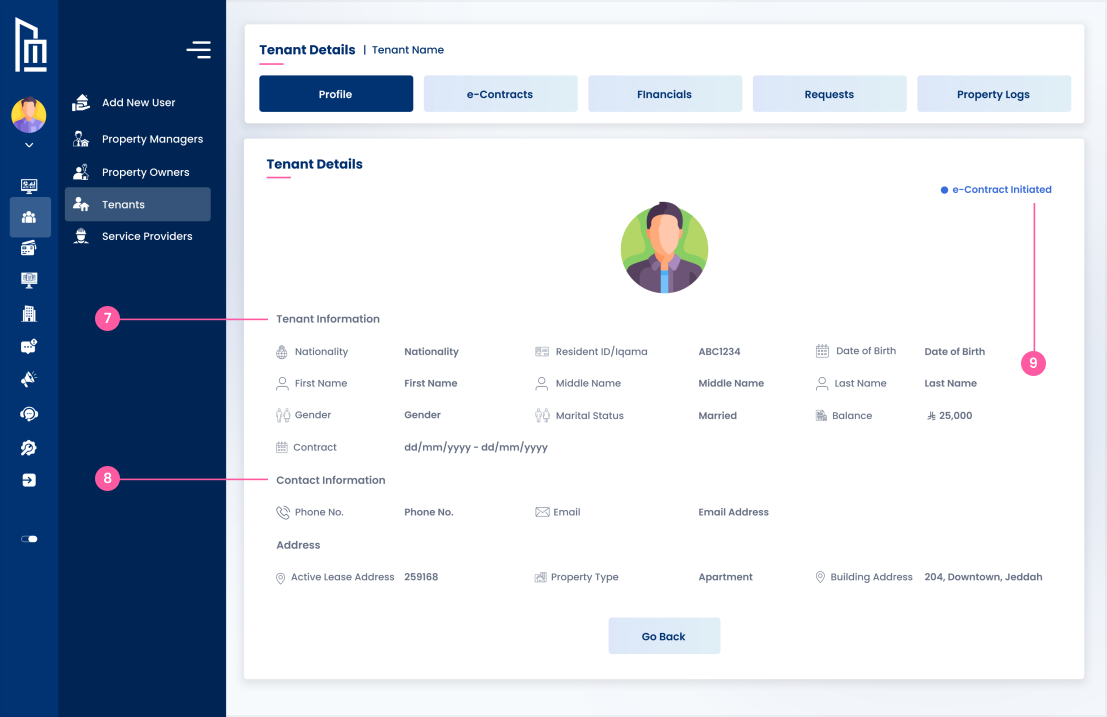
Shows tenant details such as name, ID, nationality, and address.
User can view brokers details and brokerage entity information.
Displays property title, lease terms, and other relevant ownership information.
Provides details about the property like its type, area, floors, and facilities.
Includes details such as security deposit, annual rent, and payment schedules.
User can see the rent schedule, including payment dates and amounts.
Outlines the terms and responsibilities for both the property manager and tenant.
Allows the user to sign the contract as the property manager or tenant.
User can manually draw their signature in the provided box.
User has the option to upload an image of their signature.
User must acknowledge that they have read and agree to the Terms and Conditions.
User can proceed to finalize the e-contract after signing and agreeing to the terms.
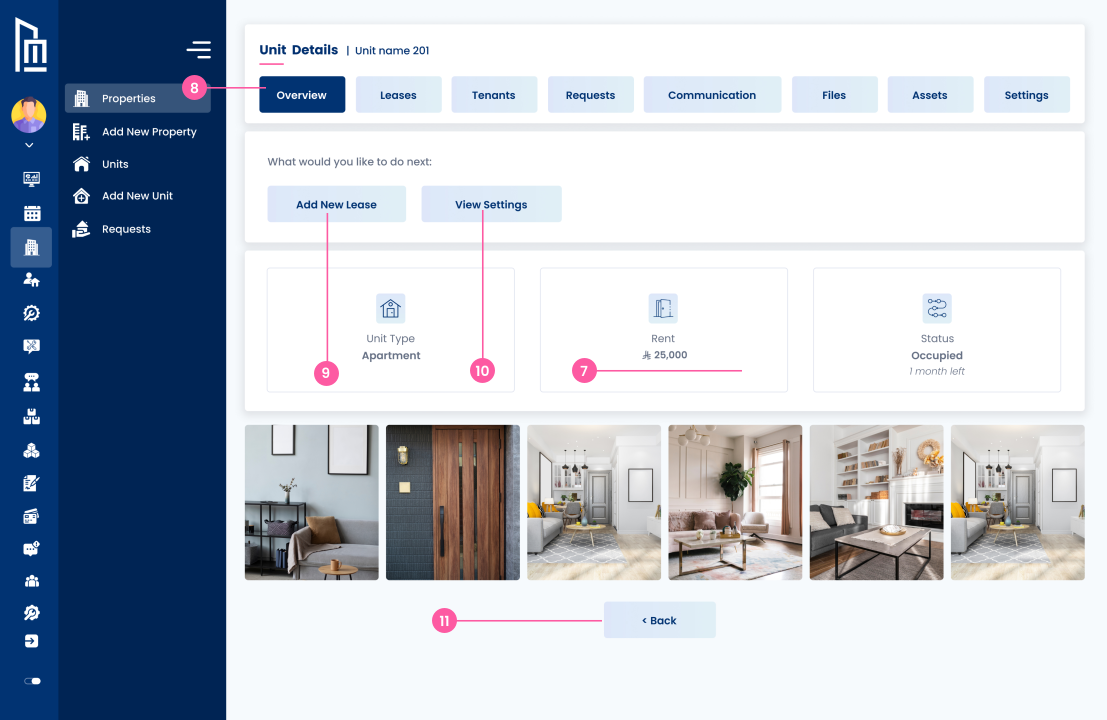
User can go back to the previous screen if needed.
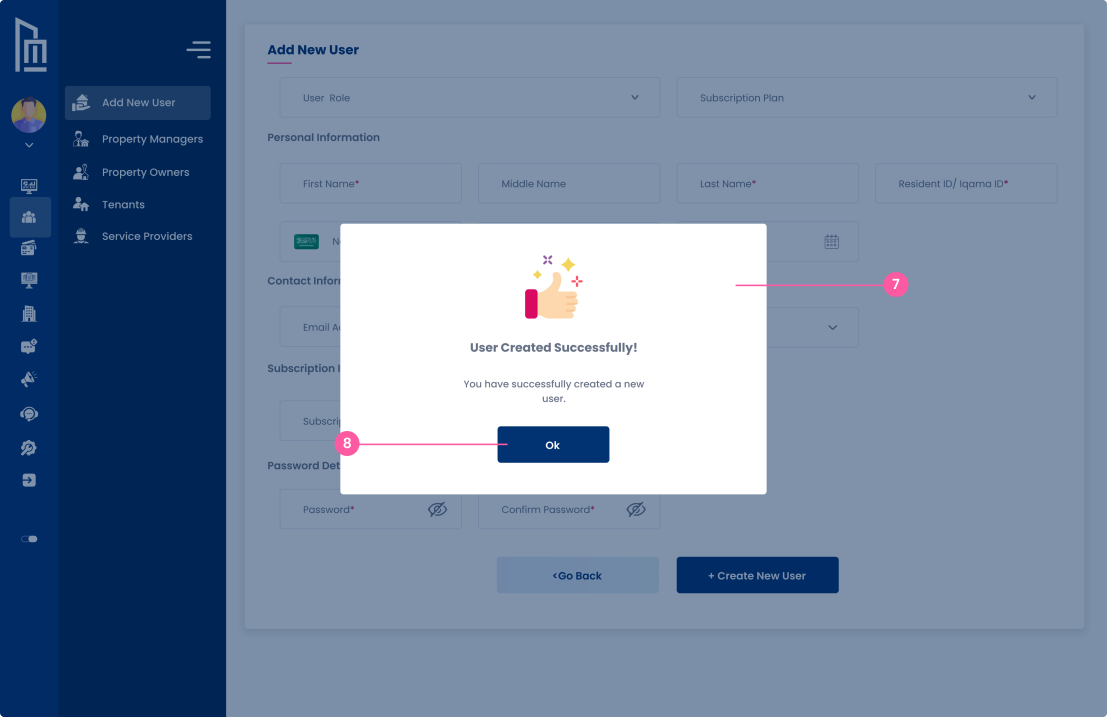
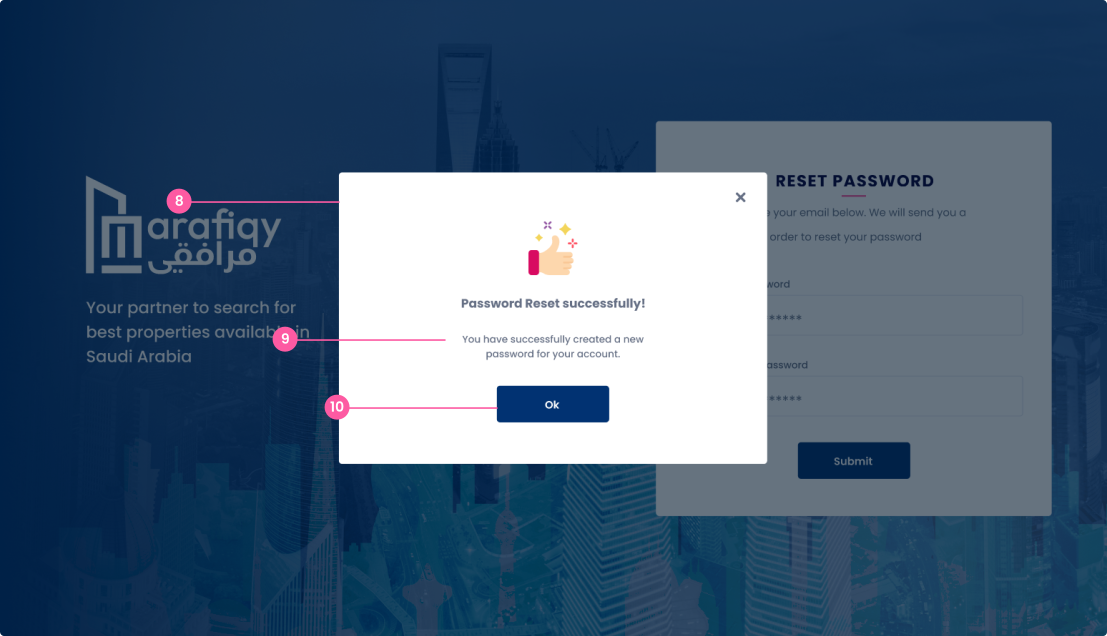
This pop-up confirms that the user has successfully signed the property contract.
User can click on the "Ok" button to acknowledge the successful signing of the contract.